
Less noise. More you.

Audio Enhancer AI for Cleaner, Clearer Voice Recordings

A good story deserves to be heard. Audio Enhancer AI reduces background noise and improves speech clarity, so your audience can focus on what you have to say.

Your recording starts here

MP3, WAV, M4A, AAC

Ready to enhance

Choose an audio file to start

Speech enhancement

Listen to the difference

Voice clarity boost + background noise reduction

Voice-focused enhancement

Choose an audio file to start

Remove noise

Clarify voice

Export WAV

Start with Audio Enhancer AI. Listen before you download.

Keep the moment. Clear the noise.

Your words deserve a little more room.

Audio Enhancer AI gives voice notes, conversations, and finished episodes a cleaner starting point.

A creator recording a thoughtful voice note beside a rain-lit window at night

01 / LESS DISTRACTION

Let the story rise above the noise.

Keep the story, soften the distraction. Audio Enhancer AI reduces background noise in spoken recordings, helping listeners focus on your voice instead of fan noise and hiss.

Use Audio Enhancer AI for home recordings and interviews.

Clean up your recording


An expressive speaker telling a story during a warm, sunlit street interview

02 / CLEARER SPEECH

An imperfect take can still be worth keeping.

A meaningful conversation deserves another listen. Audio Enhancer AI improves speech clarity in podcasts, phone recordings, and narration, giving an imperfect take a cleaner starting point.

Try Audio Enhancer AI on a sample; badly distorted or missing speech may remain unclear.

Enhance speech clarity
A creator working with recording notes and a laptop in a sunlit studio

03 / FEWER STEPS

Stay in your creative flow.

Stay with the idea. Audio Enhancer AI handles speech enhancement in one workflow, without complicated plugins or audio settings.

Use Audio Enhancer AI Pro when you need to process longer recordings.

Start with an audio file
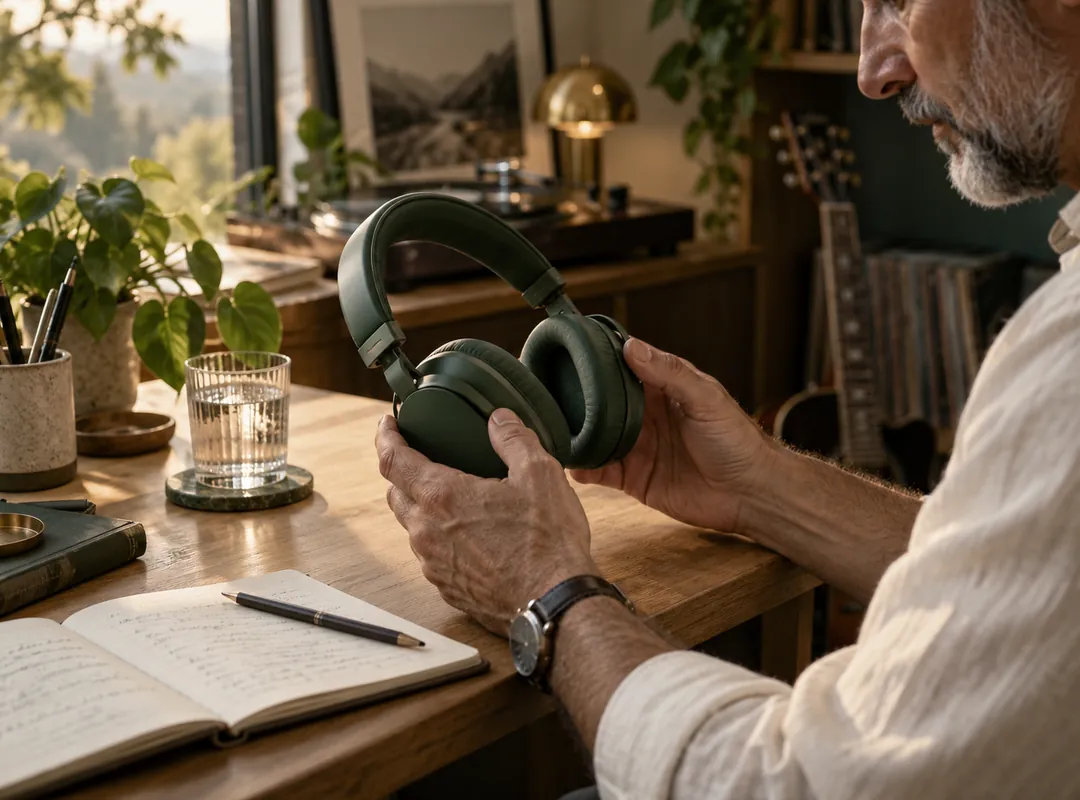
A listener picking up headphones beside handwritten recording notes

04 / YOUR EARS DECIDE

Hear the change. Keep what works.

Hear the difference for yourself. Audio Enhancer AI lets you compare original and enhanced playback before downloading, so your own ears make the final decision.

With Audio Enhancer AI, check the same phrase in both versions.

Try the comparison tool
A storyteller closing his eyes and smiling while listening to a completed recording

05 / READY FOR WHAT’S NEXT

From a cleaner take to something worth sharing.

Finish the next edit with cleaner speech. Download a WAV from Audio Enhancer AI for your podcast, course narration, or video voiceover, then add your creative touches.

Use Audio Enhancer AI for video audio after exporting the spoken track.

Make your next take clearer

A simpler way to better sound

Choose. Enhance. Listen.

Audio Enhancer AI keeps the steps short so you can get back to creating.

  1. 01

    Choose your recording

    Add an MP3, WAV, M4A, or AAC audio file.

  2. 02

    Let AI enhance it

    Reduce noise and improve the clarity of spoken audio.

  3. 03

    Listen and download

    Compare both versions and save the enhanced WAV.

Made for the things you say

One tool. Plenty of stories.

Podcasts & interviews

Use Audio Enhancer AI for podcasts and interviews before your next editing session.

Video voiceovers

Try Audio Enhancer AI for voiceovers before adding narration to a video.

Courses & explainers

Prepare clearer lessons and walkthroughs with Audio Enhancer AI for course recordings.

Meetings & voice notes

Revisit saved ideas with Audio Enhancer AI for meetings and voice notes.

Why choose Audio Enhancer AI?

No complicated setup

A direct workflow for speech, without a full audio workstation.

A result you can review

Original and enhanced playback let you decide what sounds useful.

Continue with Pro

Use Audio Enhancer AI Pro for longer recordings and find cloud tasks in your account.

Before you press enhance

A few things worth knowing.

What does Audio Enhancer AI do?

Audio Enhancer AI reduces background noise and improves speech clarity in podcasts, interviews, voice notes, lectures, and narration. It cleans existing audio without generating a new voice.

Can Audio Enhancer AI remove background noise?

Audio Enhancer AI can reduce fan noise and hiss. Heavy echo, clipping, overlapping voices, and speech buried in noise may remain difficult to fix. Preview the result.

Can I use it for music or singing?

Audio Enhancer AI focuses on speech. Music and singing may be altered. Use a separate spoken track when possible; this tool does not master music or separate stems.

Which files can I use with Audio Enhancer AI?

Audio Enhancer AI accepts MP3, WAV, M4A, and AAC and exports WAV. Codec support depends on your browser. The free voice model produces mono, 16 kHz audio.

Can I enhance the sound in a video?

Export your video’s audio track, process it with Audio Enhancer AI, and add the WAV back to your edit. Direct MP4 or MOV upload and video export are unsupported.

Is Audio Enhancer AI free, and how does Pro work?

Audio Enhancer AI is free for recordings up to 10 minutes. Pro accepts files up to 300 MB without a fixed duration limit. Processing time is shown beforehand; each cloud job has a 15-second minimum.

View pricing
Do I need an account, and where is my audio processed?

Try Audio Enhancer AI without an account in browser mode. Pro requires sign-in and uploads audio for cloud processing. Cloud tasks and results stay linked to your account.

How long does processing take?

Audio Enhancer AI processing time depends on recording length, device, and mode. The browser model loads on first use. Cloud jobs show progress; failed jobs restore charged processing time.

Your next recording starts here

Make it easier to hear you.

Bring your voice note, interview, or next episode to Audio Enhancer AI. Hear what a cleaner recording can do.